BlogGuides
Alarm apps for heavy sleepers: the features that matter
If you sleep through alarms, a louder sound is rarely the whole answer. Match the features to the way you miss mornings, and test them before you pay.
The Alarmis team5 min read
Search for alarm apps for heavy sleepers and you'll find ranked lists that age quickly. Apps change their features and prices, and what works for one sleeper does nothing for another.
This guide skips the rankings. Instead, it helps you figure out how you miss mornings, then lists the features that address each problem, so you can judge any app on its own merits.
Start with how you miss mornings
Heavy sleepers don't all have the same problem. Most missed mornings fall into one of three patterns, and some people have all three.
- You don't hear it. The alarm rings and you sleep straight through.
- You turn it off without waking. You silence it, often with no memory of doing it.
- You get up, then go back to bed. You're vertical for a minute, then the pillow wins.
Think back over your last few missed mornings and pick the pattern that fits. The features you need depend on it.
If you don't hear it
Here, the alarm needs to be harder to ignore. Look for:
- Sound choice. A range of sounds, including some that are genuinely loud and harsh. A gentle chime that works for a light sleeper may do nothing for you.
- Per-alarm sounds. The ability to give a weekday alarm a different sound from a weekend one, so a sound you've grown used to can be swapped out.
- Ringing through Silent mode and Focus. If you use Do Not Disturb or a Sleep Focus at night, make sure the alarm still sounds. Check how the app describes this, then test it yourself.
- Placement. No app can fix a phone under a pillow. Put the phone on a hard surface, speaker facing out.
Before buying anything, rule out settings on your phone. On iPhone, Apple's article on setting and changing alarms covers volume, alarm sounds set to None, StandBy and headphones.
If you turn it off without waking
Volume doesn't solve this one. You need the alarm to demand something your half-asleep brain can't do on autopilot.
Look for:
- Wake-up tasks. Sometimes called missions or challenges. Solving math problems, typing a phrase, walking a set number of steps, or scanning a code or photographing a spot in another room. Tasks that make you stand up and walk somewhere are useful, because they get you out of bed before you can argue with yourself.
- Adjustable difficulty. Easy enough that you can do it groggy, hard enough that you can't do it asleep. You'll want to tune this in the first week.
- No snooze, or a limited one. If the snooze button is there, you'll press it. An app that lets you remove it entirely takes the choice away.
- Hard to bypass. Read reviews and the app's own help pages for how easy it is to dismiss the alarm without finishing the task. If a quick workaround exists, you'll find it at 6 AM.
If you get up and go back to bed
It's easy to finish the task, feel awake, and be asleep again ten minutes later. For this pattern, look for something that checks on you after the alarm.
- A follow-up check. A notification a few minutes later asking you to confirm you're still up, with consequences if you don't.
- Escalation. Something that gets harder to ignore if you don't respond, like a second alarm or a phone call.
- A person in the loop. Knowing someone else will notice if you're not up is a strong reason to stay up. That can be a friend you text every morning or a feature that involves another person.
Nice to have
These won't decide whether you wake up, but they can help you stick with it:
- Streaks and history. A record of mornings you got up on time makes progress visible.
- Bedtime reminders. A nudge to go to bed, worked back from your alarm time, protects the other end of the night.
- Sleep sounds. Rain or white noise with a timer can help you fall asleep in a noisy place.
Questions to ask before you pay
Before you subscribe to any alarm app, find the answers to these:
- Does the alarm ring when the phone is on Silent or in a Focus?
- Can I remove the snooze button?
- What exactly do I have to do to turn the alarm off?
- What happens if I ignore it completely?
- Is there a free trial, and how do I cancel before it ends?
- What does it cost per year?
If the app's website and App Store listing don't answer these, contact support before you pay.
Where Alarmis fits
We built Alarmis for the second and third patterns, and it covers the first one too. Here's what it does:
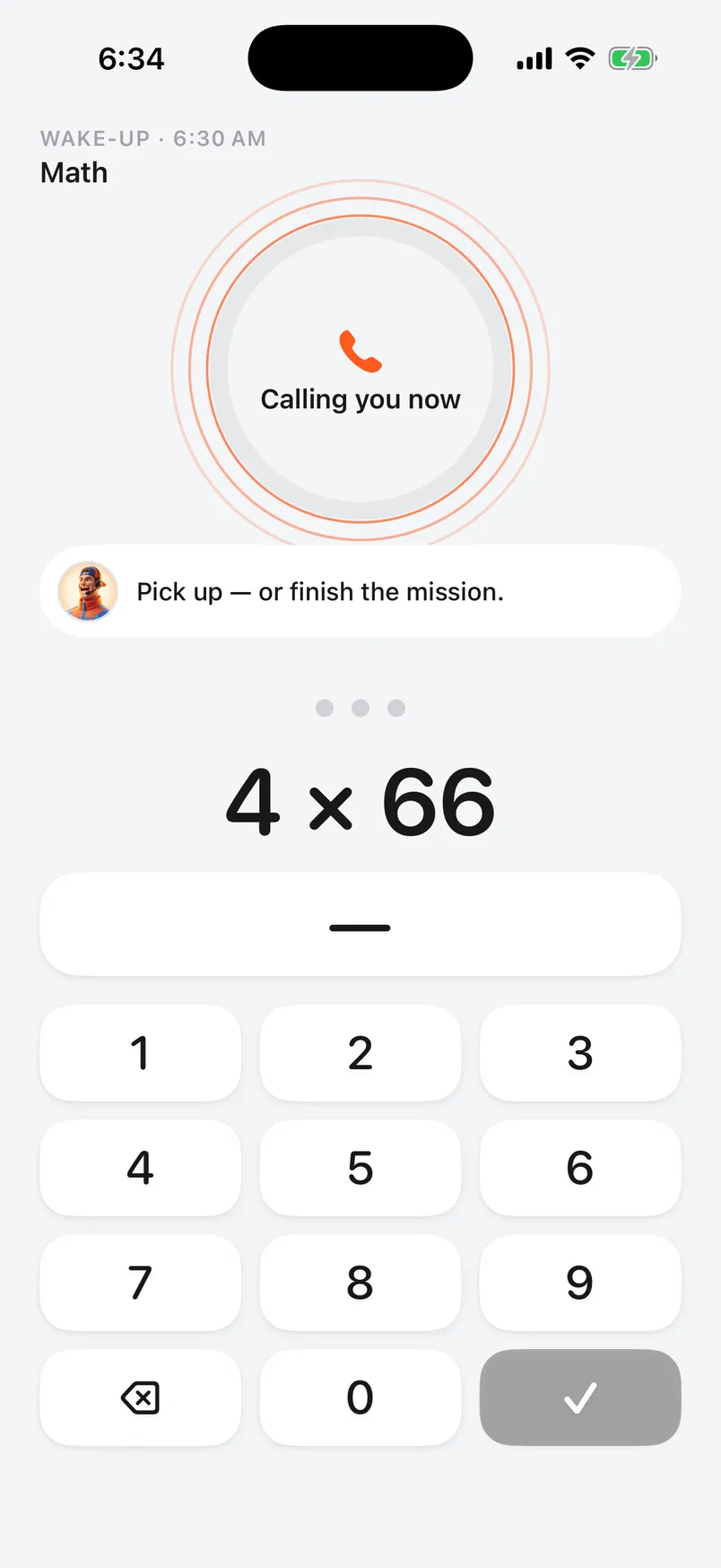
- No snooze button. To stop the countdown, you finish a wake-up mission, such as math, steps or scanning a code. You can stack several missions on one alarm.
- Sounds per alarm. Each alarm has its own sound, from a classic bell and sunrise chimes to sirens and air horns.
- Rings through Silent and Focus. Alarms are built on AlarmKit, Apple's framework for alarms.
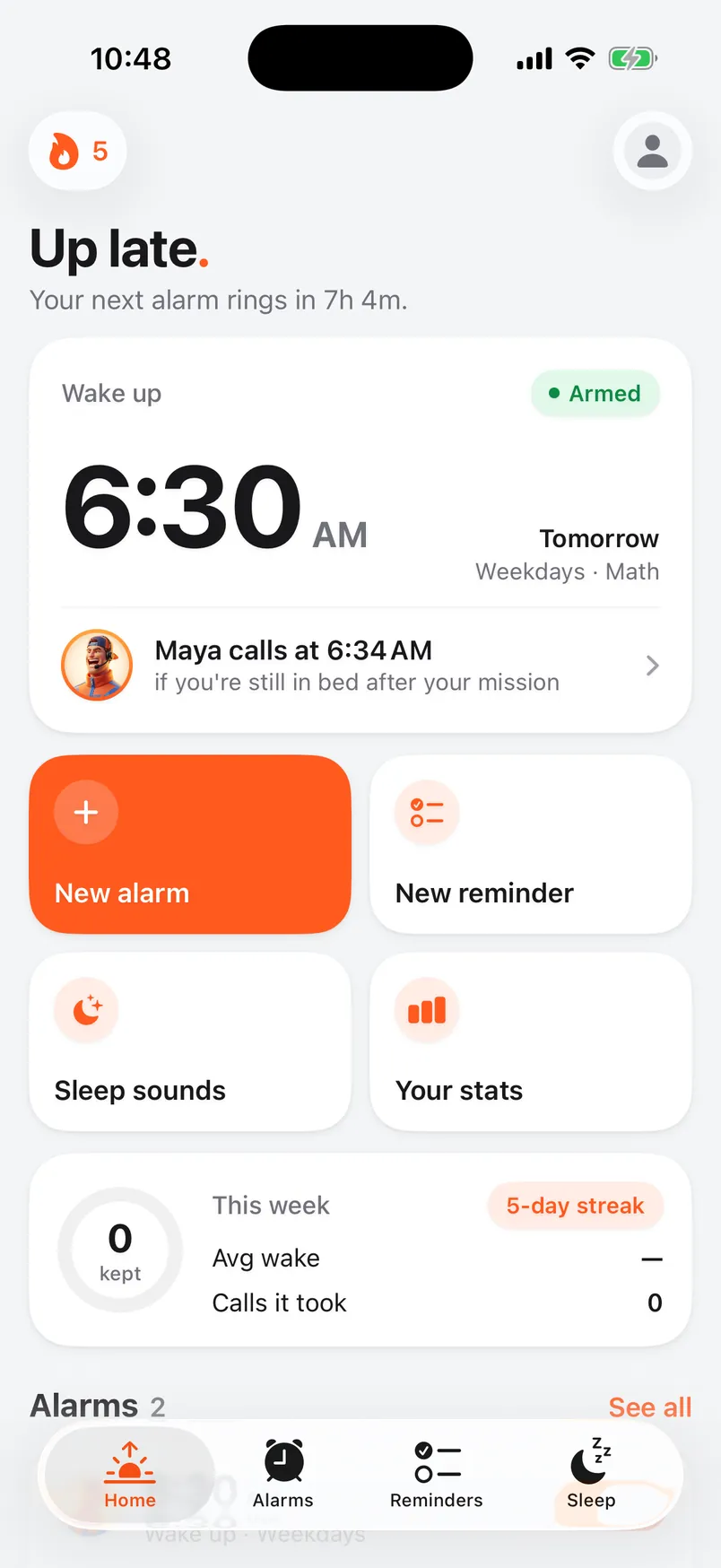
- A phone call if you stay in bed. When your grace period ends (2 to 10 minutes, your choice), your caller phones your number, up to 3 times a morning. There are 75 callers to choose from. You prove you're awake on the call by answering math questions or repeating your affirmation.
- A callback check. Turn it on, and a few minutes after you're up your caller asks if you're still awake. Don't confirm and they call again.
Alarmis is a paid subscription with no free plan. The yearly plan starts with a 3-day free trial, so you can test it on a few real mornings before you're charged.
Give it a fair test
Whatever you choose, test it properly:
- Use it every day for a week, including the weekend.
- Set the task difficulty so you can just manage it when groggy.
- Put the phone where you have to stand up to reach it.
- Note each morning whether you got up on time and stayed up.
At the end of the week you'll know whether it fixes your pattern. If it doesn't, change one thing and test again.
If you sleep through very loud alarms night after night, or you're exhausted no matter how long you sleep, mention it to a doctor. An app can help you get up, but it can't tell you why getting up is so hard.
This isn't medical advice.